- Walk-Ins Welcome!
- Mon-Fri 9am-5pm
- 297 W. Uwchlan Ave., Downingtown, PA 19335
- 484.879.2230
- Get Remote Support
- 297 W. Uwchlan Ave., Downingtown
- Walk-Ins Welcome!
- Mon-Fri 9am-5pm
- 484.879.2230
- Get Remote Support
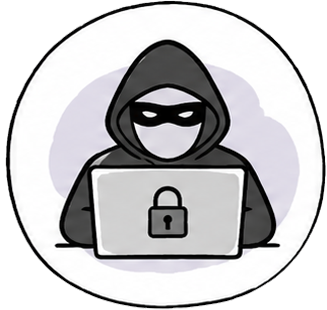
Pop-ups, fake security warnings, suspicious activity, hacked accounts, or a computer that suddenly isn’t acting right can all be signs of a virus or malware infection. Our technicians will safely remove the threat, secure your computer, and help you protect your personal information.
Computer viruses and malware can come from almost anywhere. Clicking a suspicious link, opening an unexpected email attachment, downloading free software, visiting a compromised website, or falling for a fake Microsoft pop-up are some of the most common ways computers become infected. Sometimes the signs are obvious, while other infections quietly steal passwords, slow down your computer, or collect personal information without you ever noticing.
The good news is that most virus and malware infections can be safely removed without replacing your computer. Our technicians will identify the source of the problem, remove malicious software, check for additional security risks, and help secure your computer against future attacks. Whether you’re dealing with pop-ups, spyware, ransomware, browser hijackers, or suspicious activity, we’ll explain what happened in plain English and help you get back to using your computer with confidence.
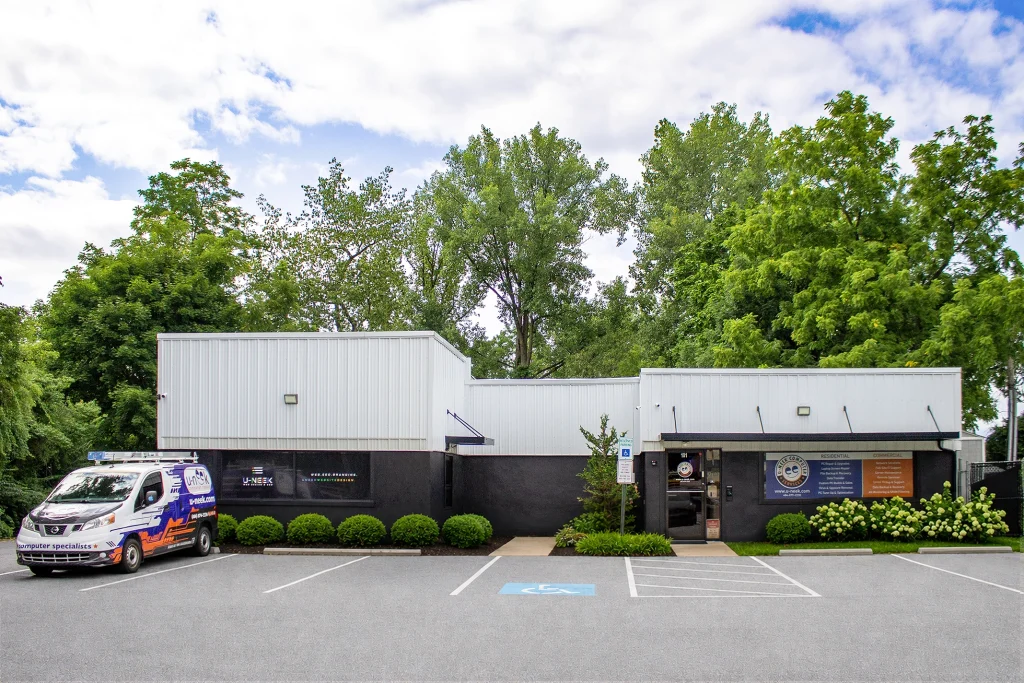
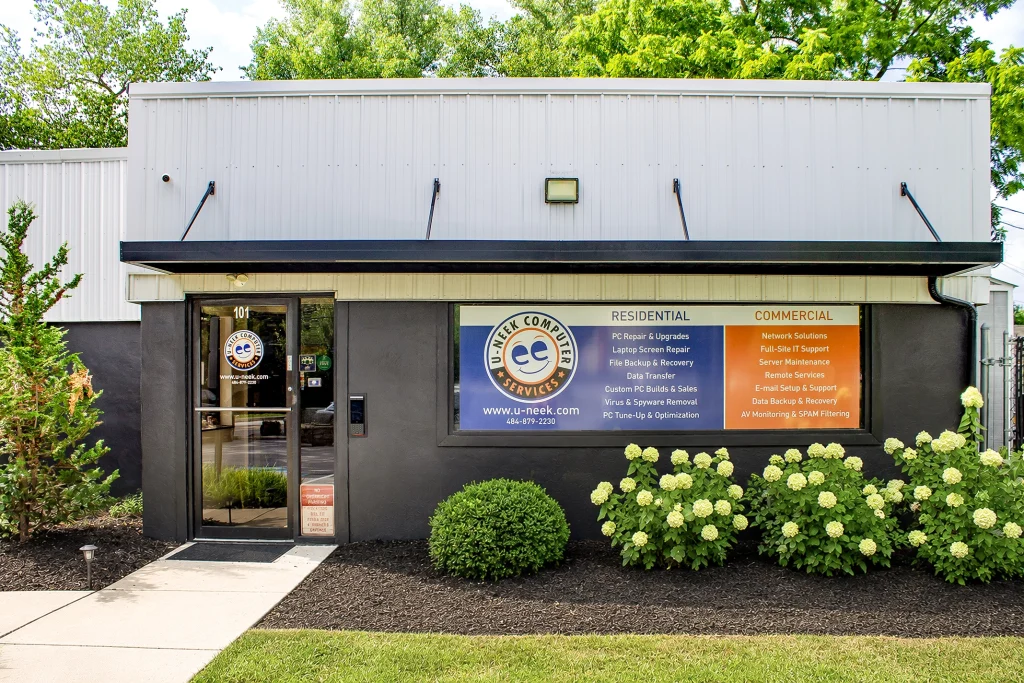
Our Computer Repair Center: Downingtown, PA
Viruses and malware can slow your computer, damage files, steal personal information, or cause programs to behave unpredictably. Most infections require professional removal to ensure they’re completely gone.
Spyware quietly monitors activity on your computer and may collect passwords, banking information, browsing history, or other personal data without your knowledge.
Ransomware can lock or encrypt your files and demand payment to restore access. If you suspect ransomware, disconnect your computer from the internet and contact us before using it further.
Scam pop-ups often pretend to be Microsoft or your antivirus software, urging you to call a fake support number or download malicious software. These warnings are designed to create panic – not help.
If your homepage changes, you’re constantly redirected to strange websites, or your browser is filled with unwanted toolbars and ads, a browser hijacker may be responsible.
Walk in anytime during business hours – no appointment needed. We’ll take a look and figure out what’s going on.

Once we’ve found the problem, we’ll explain it in plain English and provide a quote before any repairs begin.
After you approve the repair, we’ll get to work. We treat every computer like it’s our own.

We’ll let you know as soon as it’s ready. Before it leaves our shop, we make sure everything is working the way it should.
Usually, yes. Most virus and malware infections can be completely removed, and we’ll make sure your computer is secure before it leaves our shop. If we believe your data or security has been permanently compromised, we’ll explain your options honestly and recommend the safest path forward.
Bring it in:
If your computer is showing pop-ups, acting strangely, or you think you’ve been infected, bring it into our Downingtown repair shop. We’ll remove the threat, secure your computer, and help you get back to normal.
A computer virus or malware infection can cause pop-ups, fake Microsoft security warnings, browser redirects, slow performance, unusual error messages, or programs opening on their own. You may also notice your passwords stop working, your antivirus becomes disabled, or your computer behaves differently than normal. If something simply feels "off," it's worth having it checked before the problem gets worse or your personal information is compromised.
In most cases, yes. Our goal is always to remove the virus or malware while preserving your personal files, photos, documents, and programs whenever possible. Every infection is different, but we take care to protect your data throughout the virus removal process and will discuss any concerns with you before moving forward.
Usually not. Many fake virus alerts are designed to look like Microsoft or Windows security warnings to trick you into calling a scam phone number or downloading malicious software. If you see a full-screen warning telling you your computer has been locked or demanding that you call Microsoft immediately, don't click anything. Bring your computer to us, and we'll safely remove the scam and make sure your system hasn't been compromised.
Unfortunately, yes. Some forms of malware, spyware, and keylogging software are specifically designed to collect passwords, banking information, email logins, and other sensitive data. If we believe your computer has been infected with this type of malware, we'll recommend changing important passwords, securing your accounts, and taking any additional steps necessary to protect your personal information.
Most of the time, yes. Removing the infection is only part of the process; we also check for leftover malware, security vulnerabilities, browser changes, and other issues that could leave your computer at risk. Before your computer leaves our shop, we'll make sure it's secure and offer recommendations to help reduce the chances of another virus or malware infection.
The most important thing is not to panic. If possible, disconnect your computer from the internet, avoid entering passwords or online banking information, and don't click on additional pop-ups or security warnings. The sooner a virus or malware infection is addressed, the better the chances of preventing additional damage or protecting your personal information.
Most virus and malware infections can be completely removed with our PC Tune-Up for $199 + tax, which resolves the vast majority of software-related performance and security issues. If we discover additional problems - such as failing hardware, a damaged hard drive, or another issue unrelated to the infection - we'll explain exactly what we found and provide a quote before performing any additional work. Our goal is to get your computer clean, secure, and running properly without recommending repairs you don't need.