- Walk-Ins Welcome!
- Mon-Fri 9am-5pm
- 297 W. Uwchlan Ave., Downingtown, PA 19335
- 484.879.2230
- Get Remote Support
- 297 W. Uwchlan Ave., Downingtown
- Walk-Ins Welcome!
- Mon-Fri 9am-5pm
- 484.879.2230
- Get Remote Support
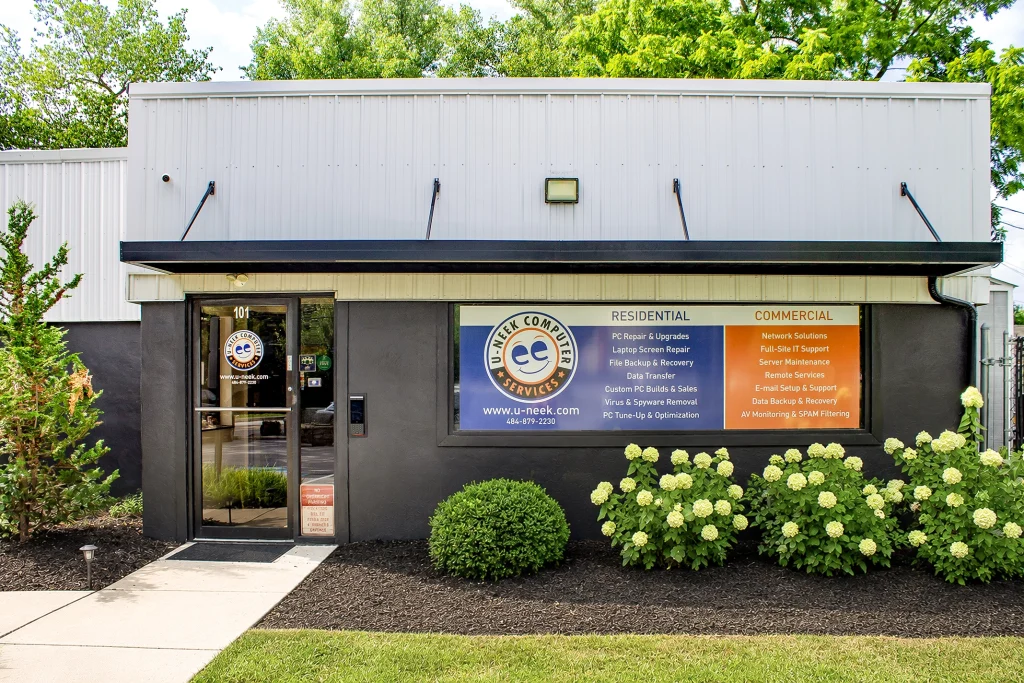
Whether you’ve already purchased a new computer or need help choosing the right one, our new computer setup service will transfer your files, install your software, and have everything ready to use.
New computer setup should be exciting, not confusing. Between comparing models, understanding specifications, moving your files, reinstalling software, and getting everything connected again, it’s easy to feel overwhelmed. Whether you’re replacing an aging computer or buying your very first laptop, we’re here to make the process simple.
The good news is you don’t have to figure it out alone. Our new computer setup service can help whether you’ve already purchased a computer or still need help choosing one.. If you’ve already purchased a new computer, we’ll transfer your files, install your software, remove unwanted pre-installed programs, and make sure everything is working before you take it home. If you haven’t bought one yet, we’ll help you choose the right computer for your needs, order it for you, and have it fully set up and ready to use.
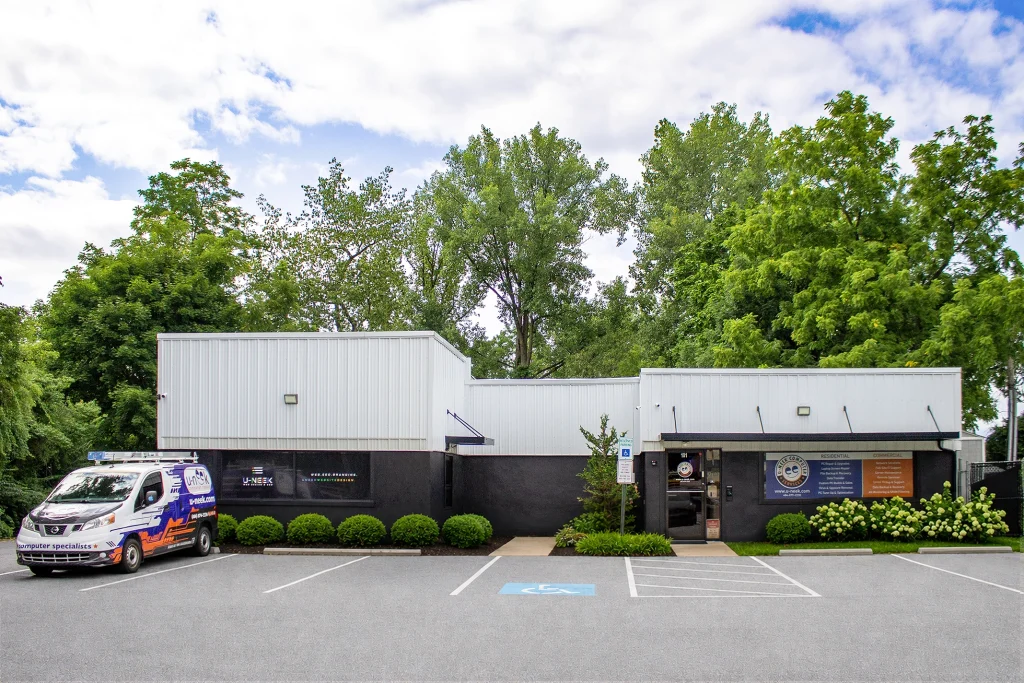
Our Computer Repair Center: Downingtown, PA
Whether you browse the web, work from home, edit photos, or play games, we’ll recommend a computer that fits how you actually use it.
Not everyone needs the fastest – or most expensive – computer. We’ll help you find the right balance of speed, storage, and performance.
Need something that will last for years? We’ll recommend hardware that can keep up as your needs change.
We’ll help you get the best value for your money without paying for features you’ll never use.
We’ll order your computer, transfer your files, install your software, remove the junk, and have everything ready when you pick it up.
Walk in anytime during business hours – no appointment needed. We’ll take a look and figure out what’s going on.
Once we’ve found the problem, we’ll explain it in plain English and provide a quote before any repairs begin.
After you approve the repair, we’ll get to work. We treat every computer like it’s our own.
We’ll let you know as soon as it’s ready. Before it leaves our shop, we make sure everything is working the way it should.
Buying a new computer doesn’t have to be overwhelming. Our new computer setup service covers everything from helping you choose the right PC to setting up one you’ve already purchased.
Bring it in:
Whether you’ve already purchased a new computer or need help choosing the right one, bring it into our Downingtown repair shop. We’ll handle your new computer setup so it’s ready to use from day one.
Absolutely. One of the biggest reasons customers come to us is because they don't know which computer to buy. We'll take the time to learn how you use your computer - whether it's for work, school, gaming, email, photo editing, or everyday browsing - and recommend a laptop or desktop that fits your needs and budget. Our personal shopping service is included, so you don't have to guess or spend hours comparing specifications online.
Yes! If you've already purchased a new laptop or desktop, bring it to our Downingtown repair shop and we'll take care of the setup. We can install Windows updates, remove unwanted pre-installed software (bloatware), install your programs, connect printers and accessories, configure Microsoft 365, and make sure your new computer is ready to use.
In most cases, yes. We can transfer your documents, family photos, videos, email, bookmarks, downloads, and many software settings from your old computer to your new one. We'll also reinstall the programs we can migrate and help make the transition as smooth as possible, so your new computer feels familiar from day one.
Yes. We keep a selection of both new and professionally refurbished computers available for customers who need something quickly. If you're looking for something specific, we can also custom order the right laptop or desktop for your needs. Don't let the words "custom order" fool you - it simply means you're getting the right computer instead of settling for whatever happens to be sitting on a store shelf.
That's our goal. Before you take your computer home, we'll install updates, remove unnecessary software, transfer your files (if needed), install your applications, connect your devices, and make sure everything is working properly. Instead of spending your weekend setting up a new computer, you can simply take it home and start using it.
Not at all. That's exactly why we're here. You don't need to understand processors, RAM, SSDs, graphics cards, or technical specifications. Just tell us what you use your computer for, and we'll recommend a system that gives you the performance you need without paying for features you don't.
Because every computer and every customer is different, the cost of a new computer setup depends on what you need. If you've already purchased a new computer and simply need it set up, most basic setups are covered by our $87.50 + tax diagnostic fee. If you'd like us to transfer files from your old computer, migrate compatible programs, and fully set up your new PC, our New Computer Transfer & Setup service is $250 in labor, plus tax. If you're purchasing a computer through U-neek, we'll provide a complete quote up front - including the computer, setup, and any additional services - so there are no surprises. Our setup labor is included in the quoted price, and we'll help you find the right computer without any extra charge for our personal shopping service.